How to Turn an Instagram or Facebook Comment Into a Link to Your Site
(For Free)
If you came here from my Instagram reel, hi :) hello! You just saw a Direct Messaging tool in action, and this blog post is going to tell you how to set it up yourself (for free).
For context: Here at Avi Fox Creative, we build websites for small business owners, and one thing that comes up constantly is “how do I actually drive traffic to my site?”
Social media is one answer, but it’s not always an easy click through, since Instagram doesn’t let you make links in a post clickable (unless you pay Meta for that, and who wants to do that). So you can say “find the link in my profile,” but people are sometimes too lazy to hunt and peck their way to the profile, so you have to get a little clever about workarounds. This is one of my favorites.
It’s called a Direct Messaging tool. There are a lot of them out there, but the one I use is LinkDM. Once it’s set up, you pick a keyword, someone comments it under your post, and they get an automatic DM back with your link, no searching or manual messaging required.
I saw people doing this forever and was always curious, but thought it was a fancy, expensive subscription, so I never pursued it. Then one day I actually looked, and it turns out you can do up to 1,000 DMs a month on the free account, so I signed up and started experimenting. Setup only took a few minutes, and it’s been a really fun new tool to play with.
How it works:
Create a free Direct Messaging account (I use LinkDM, since it made the most sense for me, but feel free to research others) and connect it to your Instagram.
Pick a post (or set it up ahead of time for one you’re about to publish) and choose the keyword that triggers it, something short and easy to type, like GUIDE or LINK, or something fun that pertains to your post and is easy to spell.
Add the link you want people to land on.
Turn it on. From here, anyone who comments your keyword gets the DM automatically.
Test it! Comment on your own post to make sure it works :)
The free plan on LinkDM currently allows around 1,000 of these automated DMs a month, though it’s worth double checking their pricing page before you build around that number, since free tier limits are the kind of thing that changes without much notice.
One thing worth knowing before you rely on it: it won’t always catch every comment variation, someone typing “guide!” or “GUIDEE” might not trigger it depending on how you’ve set it up, so keep your keyword simple and test it yourself with a comment first.
And... that’s it! A few minutes of setup, and comments start doing the job that link in bio was asking people to work too hard for.
One thing I’d recommend as you get started: use it on something people actually want, not something you’re trying to sell. Give value, don’t pitch. I’m way more likely to comment if it gets me something I actually want (a link to an article, a free download, an invite into an online community) than when someone says “comment LINK to come to my website and hire me!”, which is centered on what YOU want from them, rather than what you can do for them.
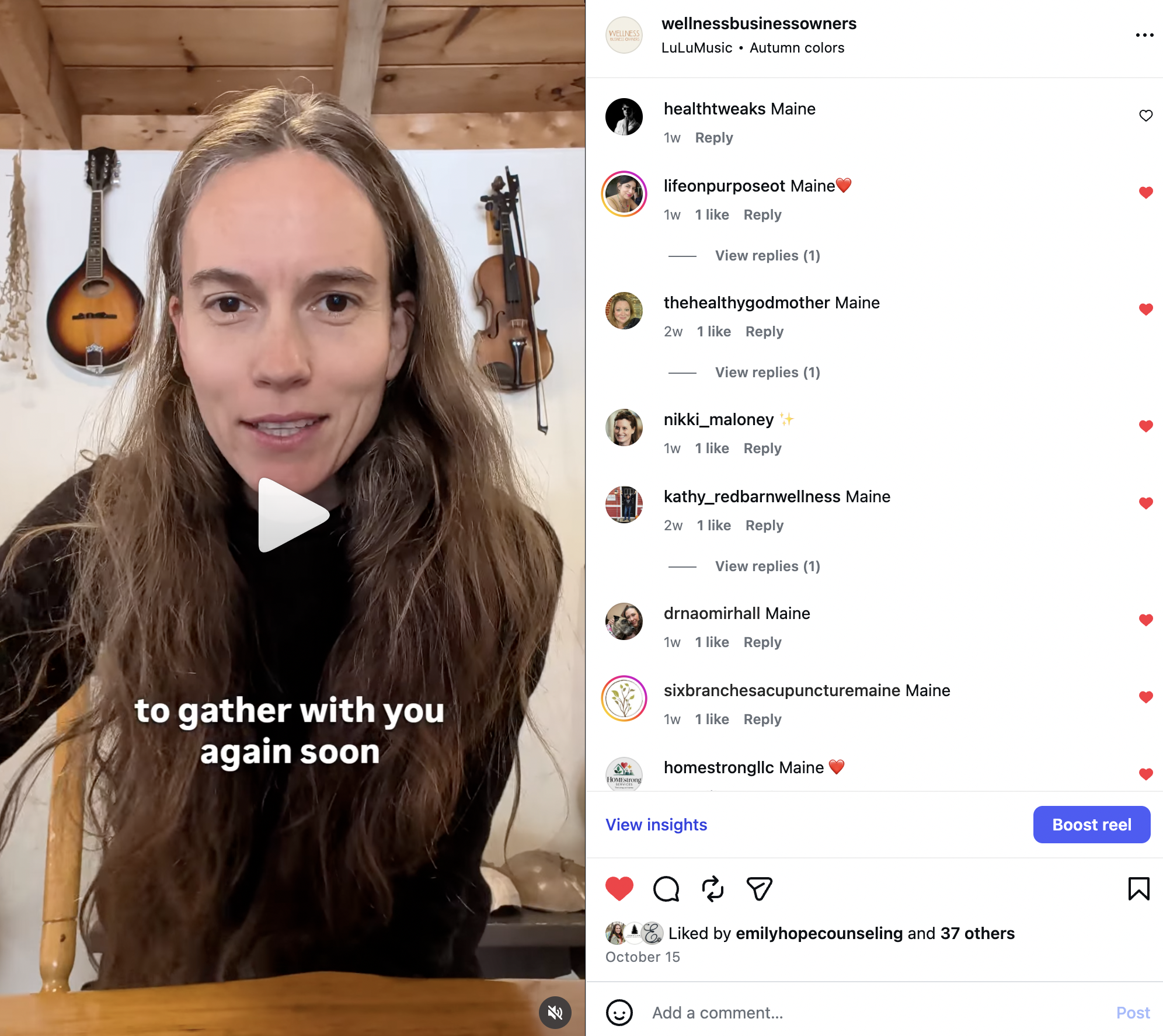
Here is an example of a Link DM I set up on Instagram for my Wellness Business Owners group when I launched our community email list serv.
Oh, and it also works on Facebook! But you have to set Facebook up as a second connection, and trigger that DM separately within LinkDM.
Happy Direct Messaging! May this help you drive traffic to your website in a way that feels good and gives value to your visitors at the same time.
-Avi
P.S. Need more marketing support? Book a 30-minute or 60-minute strategy session with me to get thought partnership and advice on a particular area or struggle. Or if you’re looking for ongoing coaching or implementation support, book a prospective client meeting to see if one of my packages is a fit.